
When the helpdesk must be measured
SLAs and dashboards show response times and workload so staffing can be planned.
ITSM and enterprise service management with tickets, SLAs, assets and change management.
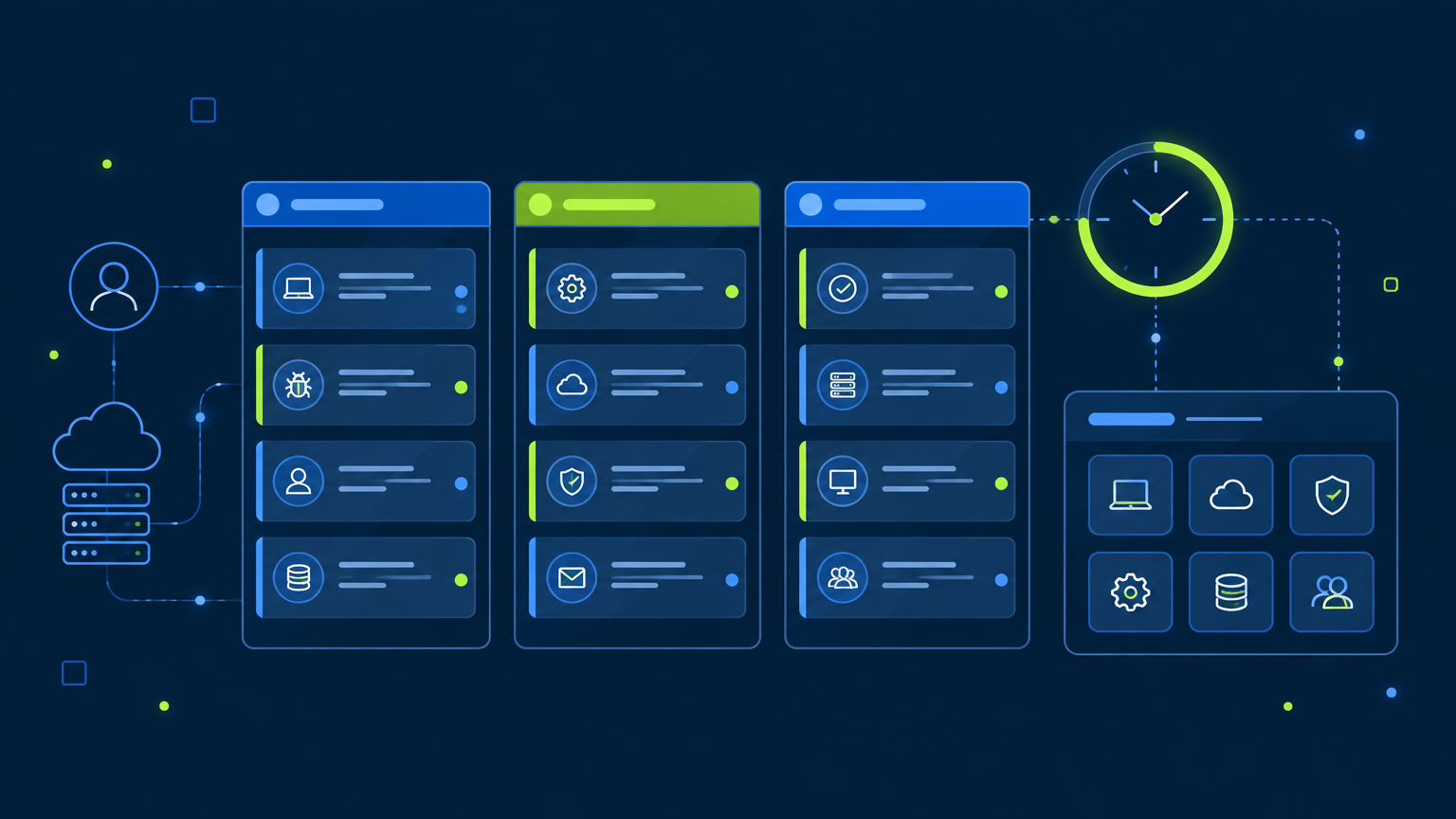
Email, phone, chat and a spreadsheet here and there. Without a single entry point, nobody knows how long a ticket has been waiting, who owns it or how many tickets there really are each month. That makes prioritisation and documentation hard.
ServiceDesk Plus covers service management from the helpdesk to the whole enterprise. Tickets, problems, changes and assets are connected, and you can automate workflows and follow up on SLAs.
We help design categories, SLAs and workflows so the platform matches your organisation and not the other way around.
SLAs and dashboards show response times and workload so staffing can be planned.
Change management provides a trail of assessment, approval and outcome for every change.
Service management can expand to HR, facilities and other business areas.
We start small and expand once the value is proven, so you see the effect before the whole organisation is involved.
We review the environment and agree what the first phase should solve.
The product is set up on part of the environment so the value is visible before rolling out everywhere.
We connect AD, Microsoft 365, network and the other systems that need to be included.
Alerts, reports and workflows are fine-tuned, and we help with upgrades.
ServiceDesk Plus comes in Standard, Professional and Enterprise and can run in the cloud or on your own server. We help choose the edition based on your maturity and the processes you want to use.
Editions and pricing at ManageEngineIt depends on whether you need asset management, change management and advanced SLAs. We review your processes and recommend the smallest edition that covers the need.
Yes. Many start with incident and service request and add asset, change and problem once the workflows are in place.
Yes, and we help set up categories, SLAs and workflows in Danish.
Unified Active Directory management, identity governance and privileged access in one platform.
Read moreOne single view of auditing across Active Directory, file servers and logons.
Read moreAdministration and reporting of Active Directory and Microsoft 365 without PowerShell.
Read moreNext step
We review your setup and come back with a concrete proposal for product, edition and order.