
When patching must be planned
Updates roll out in rings and maintenance windows so operations are not taken by surprise.
Management and protection of every endpoint from one console, regardless of operating system and location.
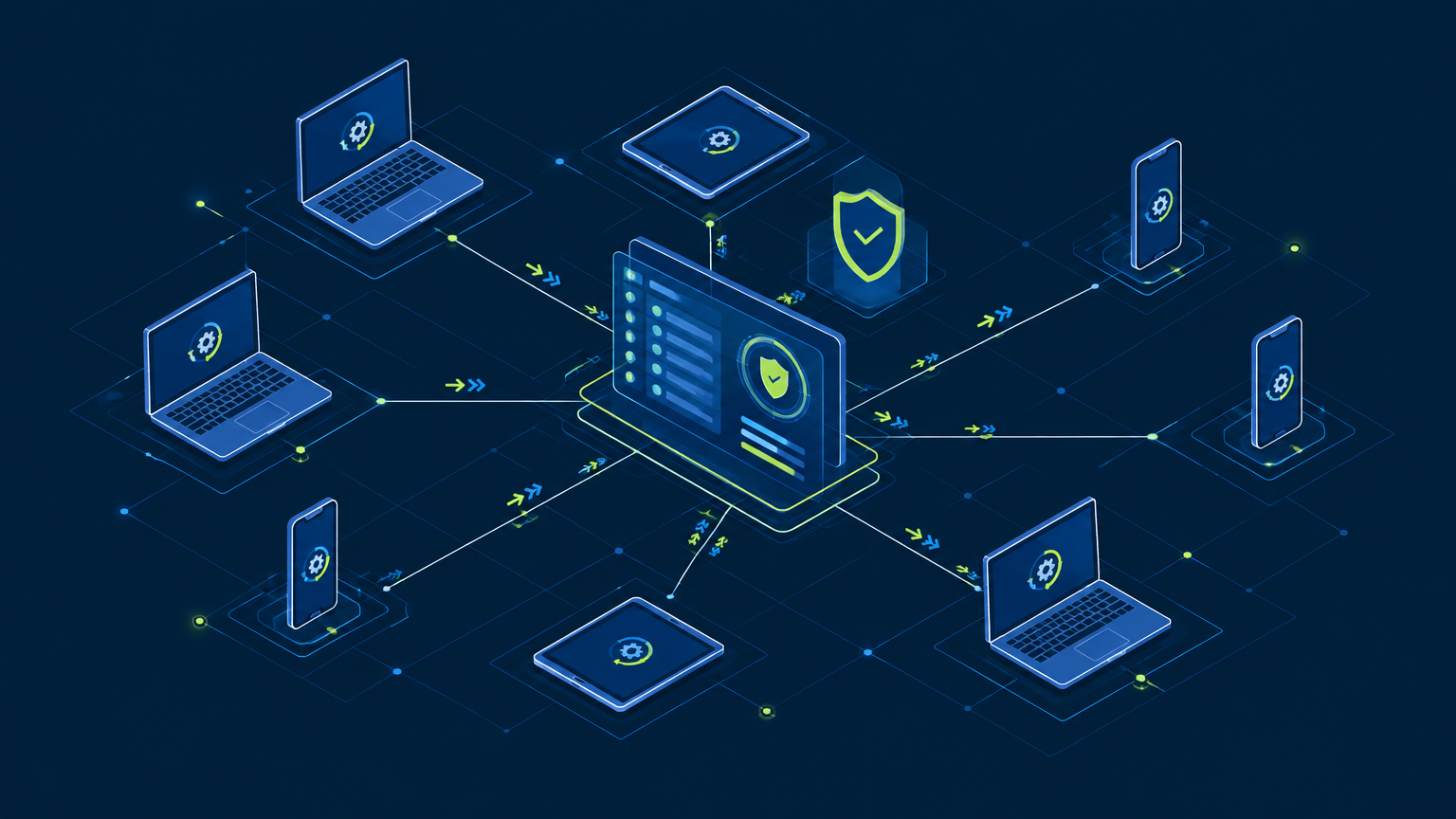
Laptops in the office, at home and in the field, phones with mail access and a patch level that differs from machine to machine. Without a single place to manage from, updates become a manual task and security gaps stay open longer than necessary.
Endpoint Central combines endpoint management and endpoint security. You get an overview of devices, control patching and software deployment, manage mobiles and can act against threats on the individual machine.
We set up patch policies, rings and maintenance windows so updates roll out in a controlled way instead of disrupting the working day.
Updates roll out in rings and maintenance windows so operations are not taken by surprise.
You can isolate the device, investigate what happened and remediate from the same console.
Machines can be provisioned with the right software package from day one, wherever they are.
We start small and expand once the value is proven, so you see the effect before the whole organisation is involved.
We review the environment and agree what the first phase should solve.
The product is set up on part of the environment so the value is visible before rolling out everywhere.
We connect AD, Microsoft 365, network and the other systems that need to be included.
Alerts, reports and workflows are fine-tuned, and we help with upgrades.
Endpoint Central is licensed per device or server and comes in several editions. We review which modules you need so the licence matches your devices.
Editions and pricing at ManageEngineEndpoint Central covers Windows, macOS and Linux as well as mobile devices on Android and iOS.
Yes. Devices can be managed whether they are in the office, at home or travelling.
We start by deploying the agent to a limited group of devices and then expand with patching and policies.
Unified Active Directory management, identity governance and privileged access in one platform.
Read moreOne single view of auditing across Active Directory, file servers and logons.
Read moreAdministration and reporting of Active Directory and Microsoft 365 without PowerShell.
Read moreNext step
We review your setup and come back with a concrete proposal for product, edition and order.